Alert
Opens from an alert row on the Reliability Alerts tab. It’s read-mostly — the rule’s metadata plus whatever Investigator found the last time this alert fired.
What you see
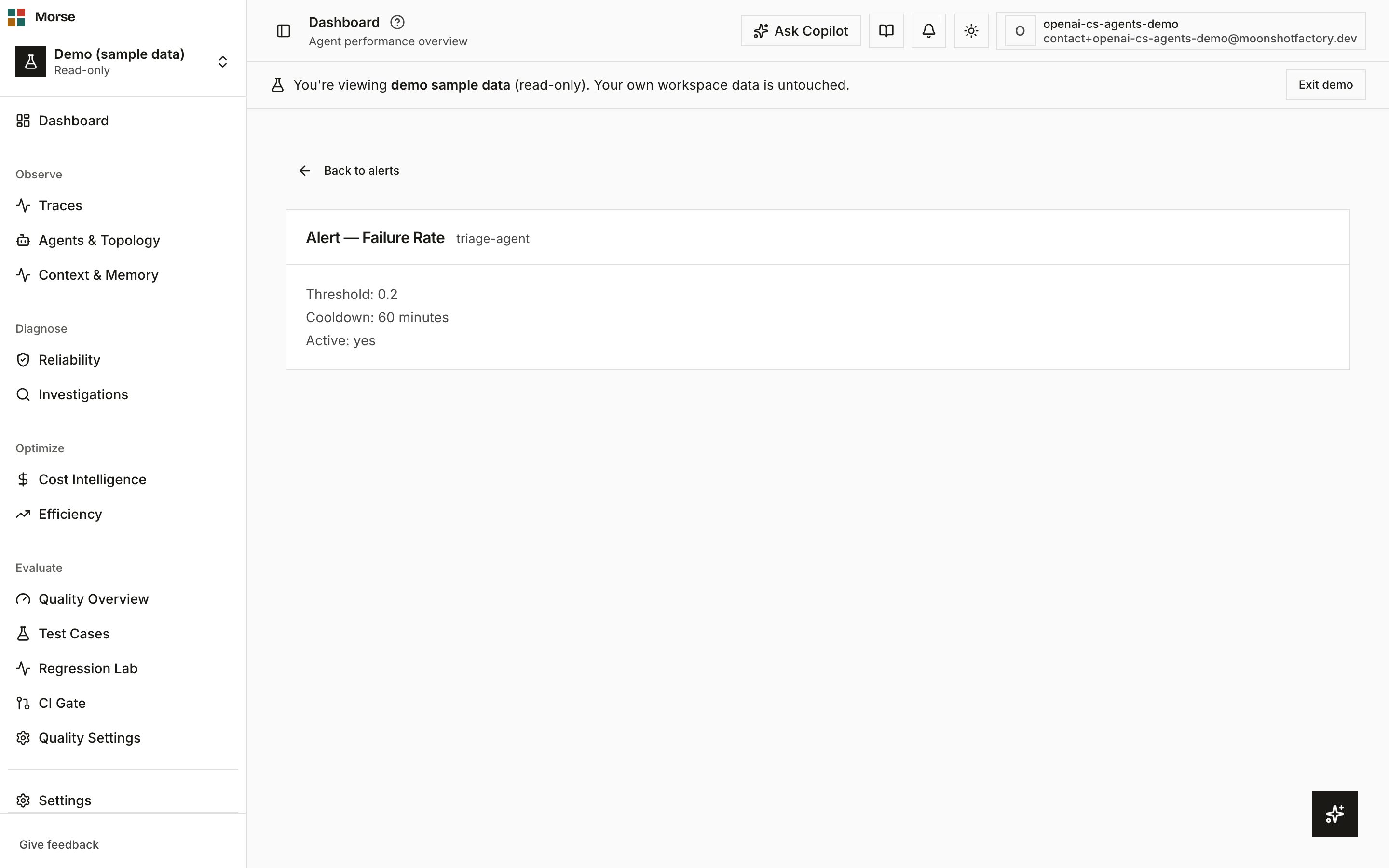
Alert rule
A panel with the alert’s type, threshold, cooldown, and active state.
The alert record itself isn’t a separate fetch — it’s found by id in the already-loaded alerts list from the Alerts tab.
Root cause hypothesis
Below the rule panel, a HypothesisCard shows the latest Investigator run for this alert, in one
of four states: a confident hypothesis with evidence and recommended actions; a low-confidence
state that leads with the raw evidence instead; a pending/loading skeleton while a run is in
flight; or nothing at all, rendered when Investigator is disabled for this alert.
Which state you get depends on a rule-level override falling back to the project-level Investigator setting, defaulting to enabled.
The confident/low-confidence split is a server-computed needs_review flag on the run — the page
does not re-derive it from confidence or hypothesis text itself.
A low-confidence run leads with “Couldn’t form a confident hypothesis — here’s the raw correlated data” and shows all evidence expanded, instead of the confident state’s collapsed evidence list.
How to use it
- Read the rule panel to confirm what’s being watched and at what threshold.
- Expand the evidence list on a confident hypothesis to see what Investigator correlated; a low-confidence run shows all evidence already expanded.
- Follow Back to alerts to return to the Alerts tab — there’s no edit or delete control on this page itself; those live in the alerts table.
Before you have data
If Investigator hasn’t run yet for this alert (or a run is in flight), the card shows a “Investigating…” skeleton instead of an empty hypothesis.
If Investigator is disabled for this alert, the hypothesis card doesn’t render at all — there’s no placeholder state for “disabled.”
Related
- Reliability — the Alerts tab this page opens from.
- Incident — an incident’s timeline can link back to the alert that triggered it.