Profile
This is your personal account page, reached from the header avatar menu’s View profile — your name, email, and avatar, plus a handful of preferences that belong to you rather than to the workspace.
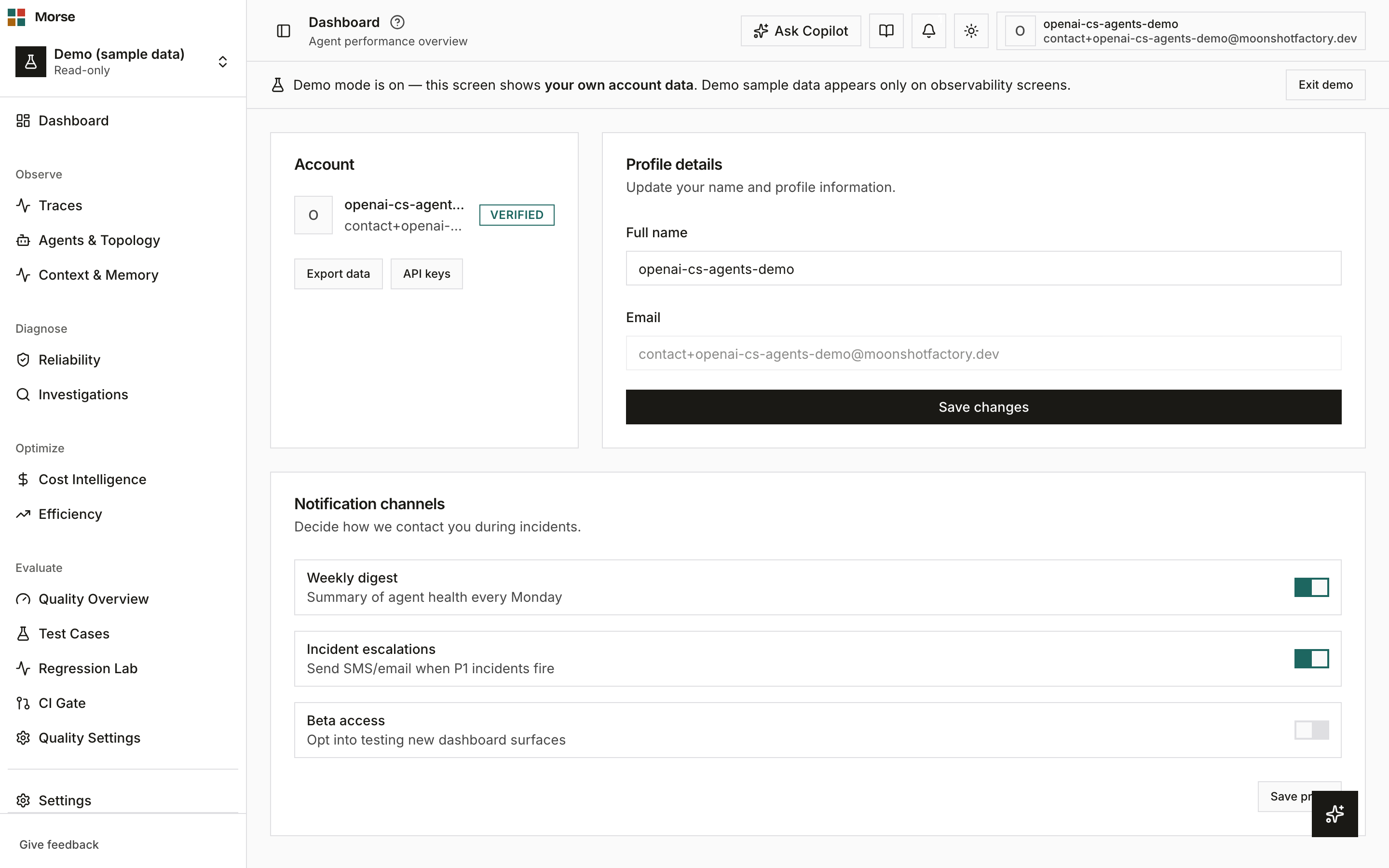
What you see
The top of the page is a two-column layout: an Account card and a Profile details card.
Account
Your avatar, display name, email, and a Verified badge, plus two links: Export data and API keys.
Profile details
A form to change your full name. Email is shown but is read-only here — it isn’t editable from this form.
Notification channels
Three personal toggles, separate from workspace-level alert routing:
- Weekly digest — a summary of agent health every Monday.
- Incident escalations — SMS/email when P1 incidents fire.
- Beta access — opt into testing new dashboard surfaces.
How to use it
- Edit your name in Profile details and click Save changes.
- Toggle any notification channel, then click Save prefs to persist all three at once.
- Click Export data to download your personal data — the GDPR data-export capability.
- Click API keys to go to workspace API-key management — this currently links to a retired route; use Environments & API Keys instead until that link is fixed.
Related
- Settings — Workspace — Environments & API Keys and Activity live here, not on this page.
- Notifications — the history of everything sent to you, including anything these channel preferences trigger.
Last updated on